Design Systems
Designing Configuration Interfaces as System Extensions
How complex configuration screens exposed the limits of our design system—and how extending foundations (not components) helped the system scale with the product.
Nutshell Labs
1 min
Yes
B2B Desktop SaaS
Information Architecture
Design System
Overview
Context
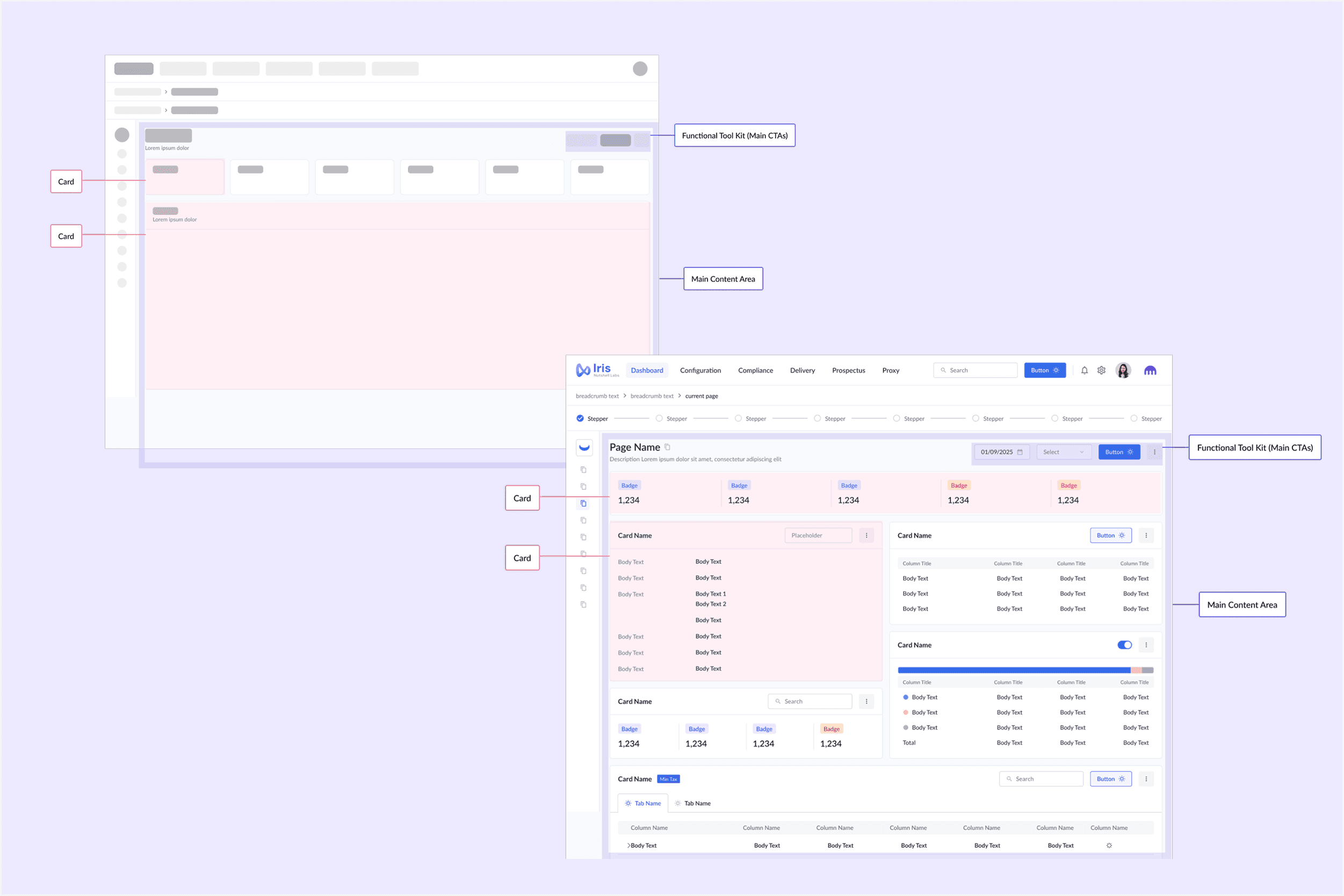
As Nutshell Labs’ desktop SaaS platform expanded, configuration screens became one of the most complex parts of the product. These screens stretched beyond standard UI patterns and revealed gaps in the existing design system.
My Role
UX Designer · Product Design + Design System Extension
The System Problem
Configuration interfaces introduced challenges that standard components weren’t designed to handle.
What we were seeing
Dense, information-heavy layouts
Complex decision logic surfaced in a single view
Inconsistent spacing and hierarchy across similar screens
One-off UI solutions that didn’t scale
Key Decisions
Rather than treating configuration screens as exceptions, we treated them as signals that the system needed to evolve.
Decisions We Made
1. Extend foundations, not components
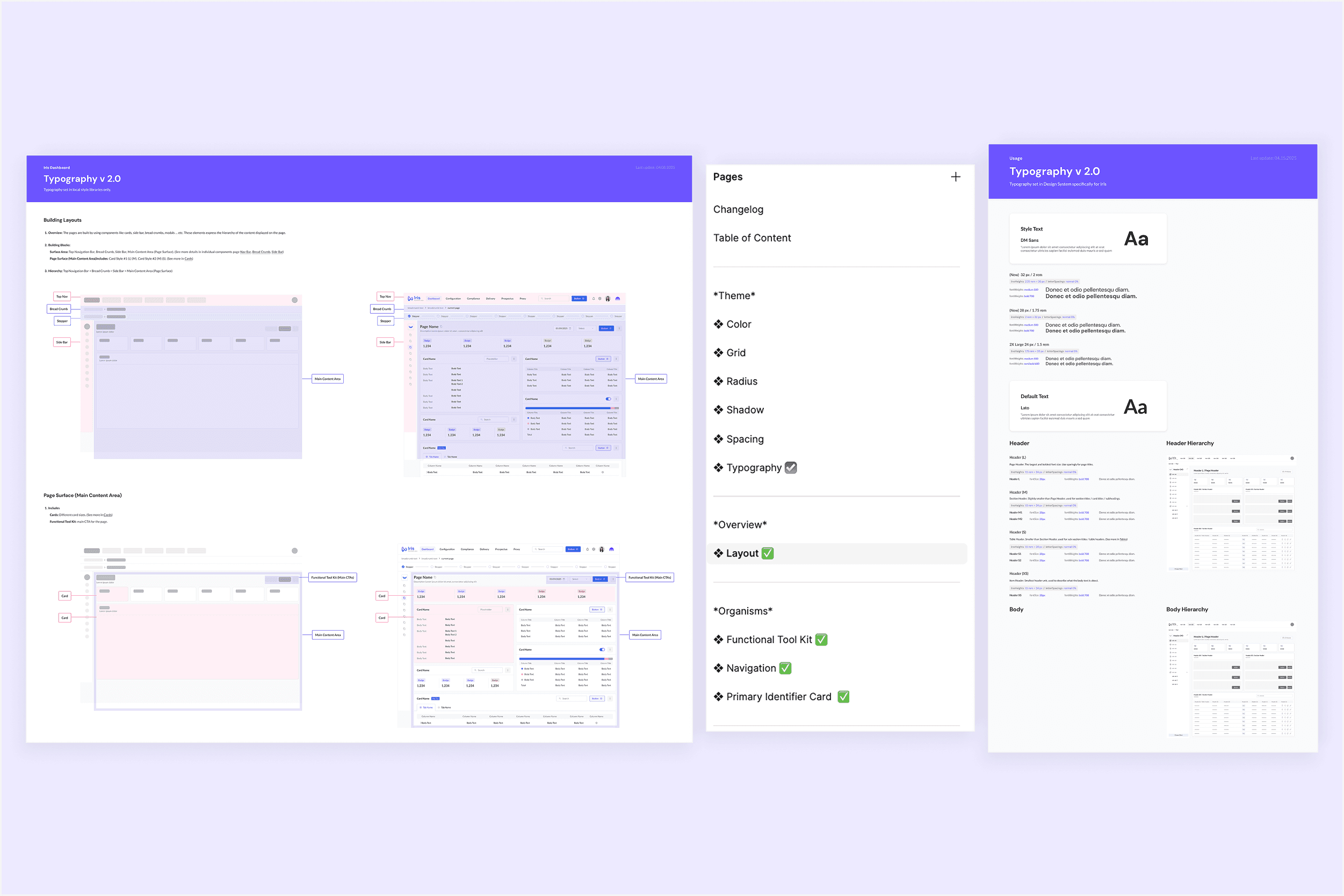
Instead of creating a lot of new custom components, we refined spacing, typography scales, and layout rules to support denser interfaces.
2. Preserve system consistency under complexity
Configuration screens followed the same system logic, even when layouts became more complex.
3. Design for reuse across future configurations
Patterns introduced here were documented and reused as new configuration needs emerged.
System Artifacts
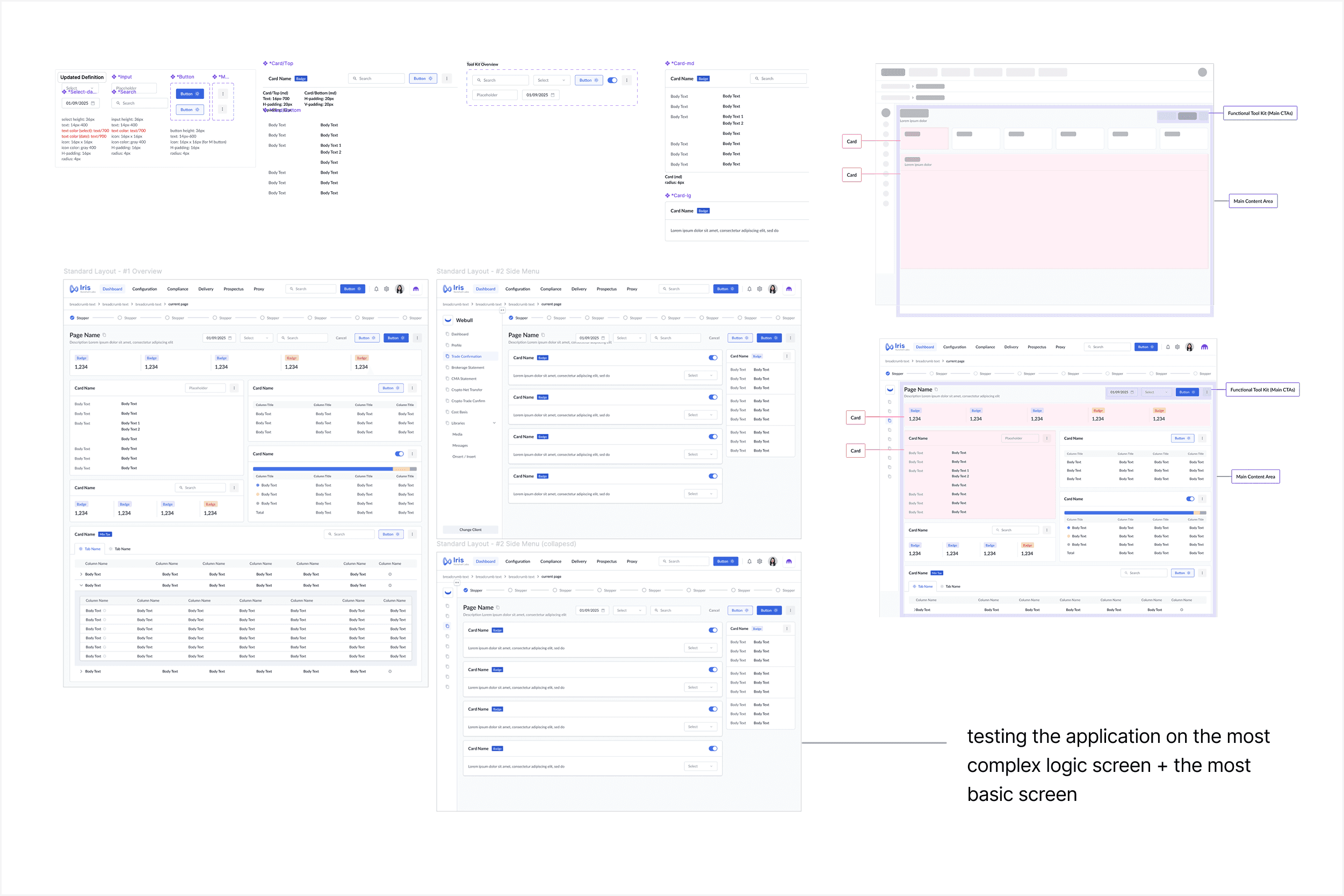
Refining the layout rules and testing them on the most complex and most basic screen.
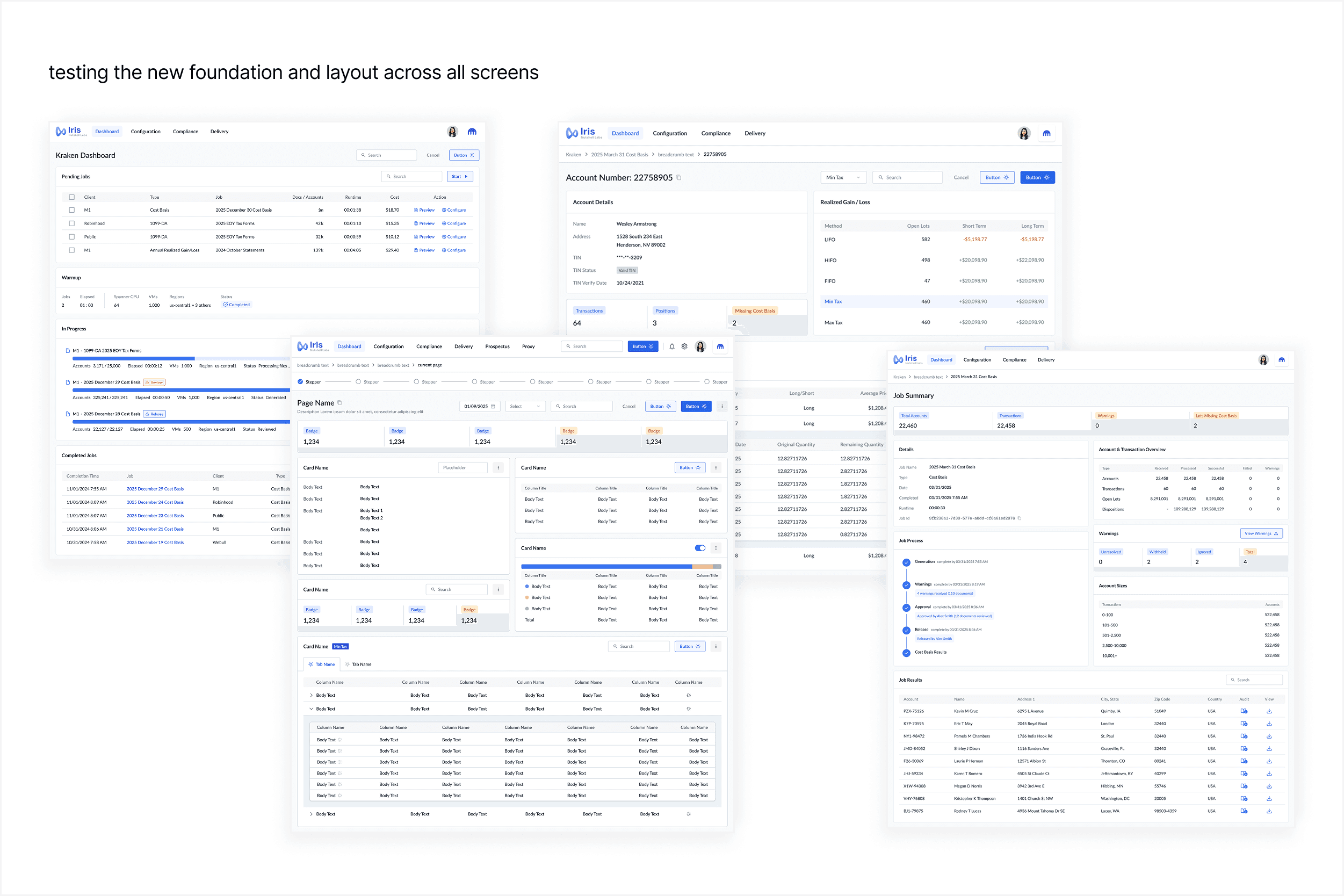
Testing the new logic (layout rule) across all screens.
Cross-Functional Rollout
These system updates allowed configuration screens to feel intentional rather than improvised.
Clearer visual hierarchy for decision-heavy content
Reduced need for one-off UI fixes
Faster iteration as new configuration flows were introduced
Impact on Team & Product
Configuration screens aligned with the broader design system
Reduced inconsistency across complex workflows
Established scalable patterns for future product growth
Improved design-to-development clarity
Reflection
Configuration screens clarified that design systems must adapt to complexity, not avoid it. The most scalable solution came from strengthening foundations rather than introducing exceptions.
More in Design System
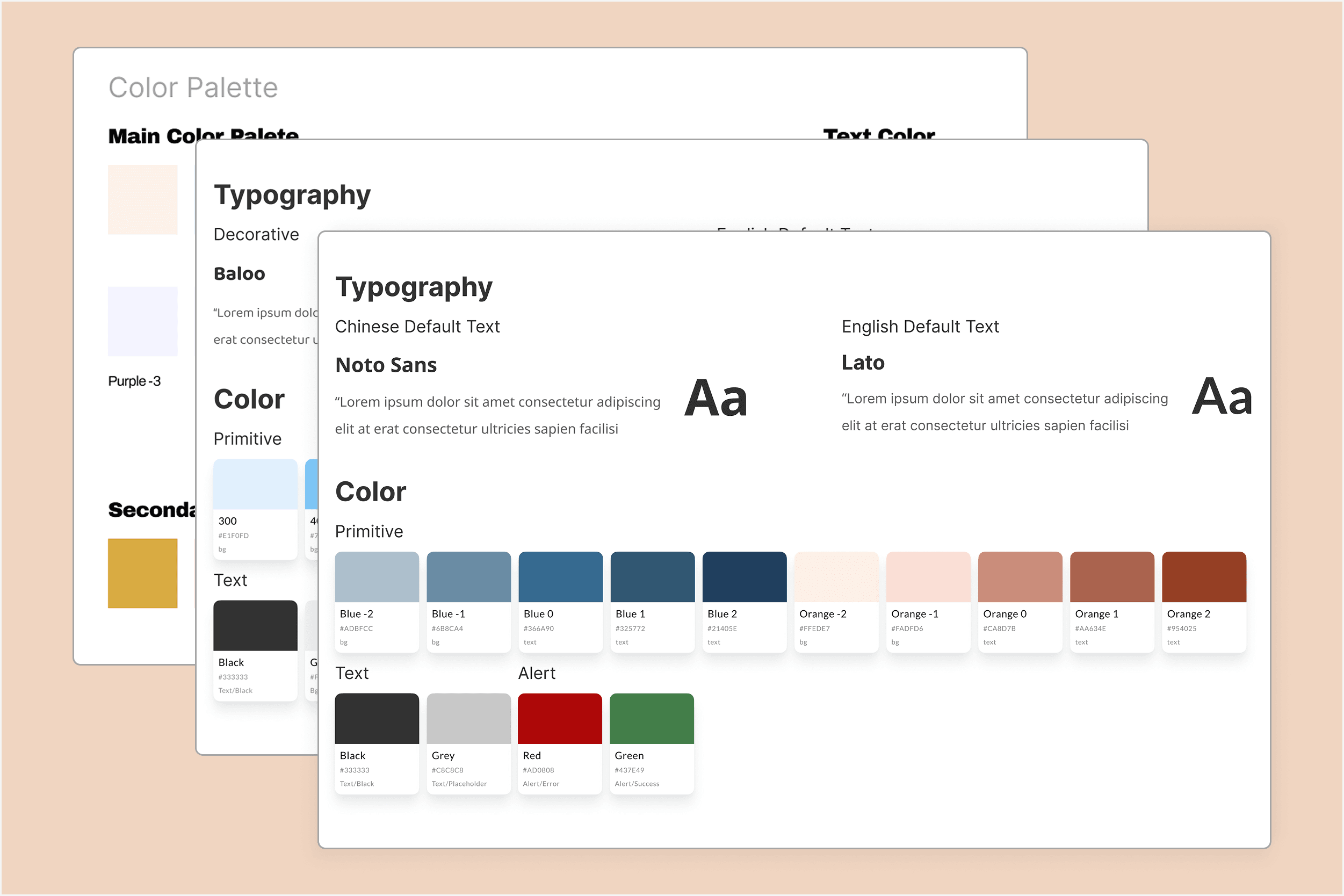
Establishing Design System Foundations in Small Teams
How lightweight system foundations helped small teams move faster—without the overhead of fully formalized design systems.
Designing Configuration Interfaces as System Extensions
How complex configuration screens exposed the limits of our design system—and how extending foundations (not components) helped the system scale with the product.
Editor's Picks
Auditing and Scaling a Design System for Enterprise SaaS
How we reduced inconsistency while enabling faster product iteration.
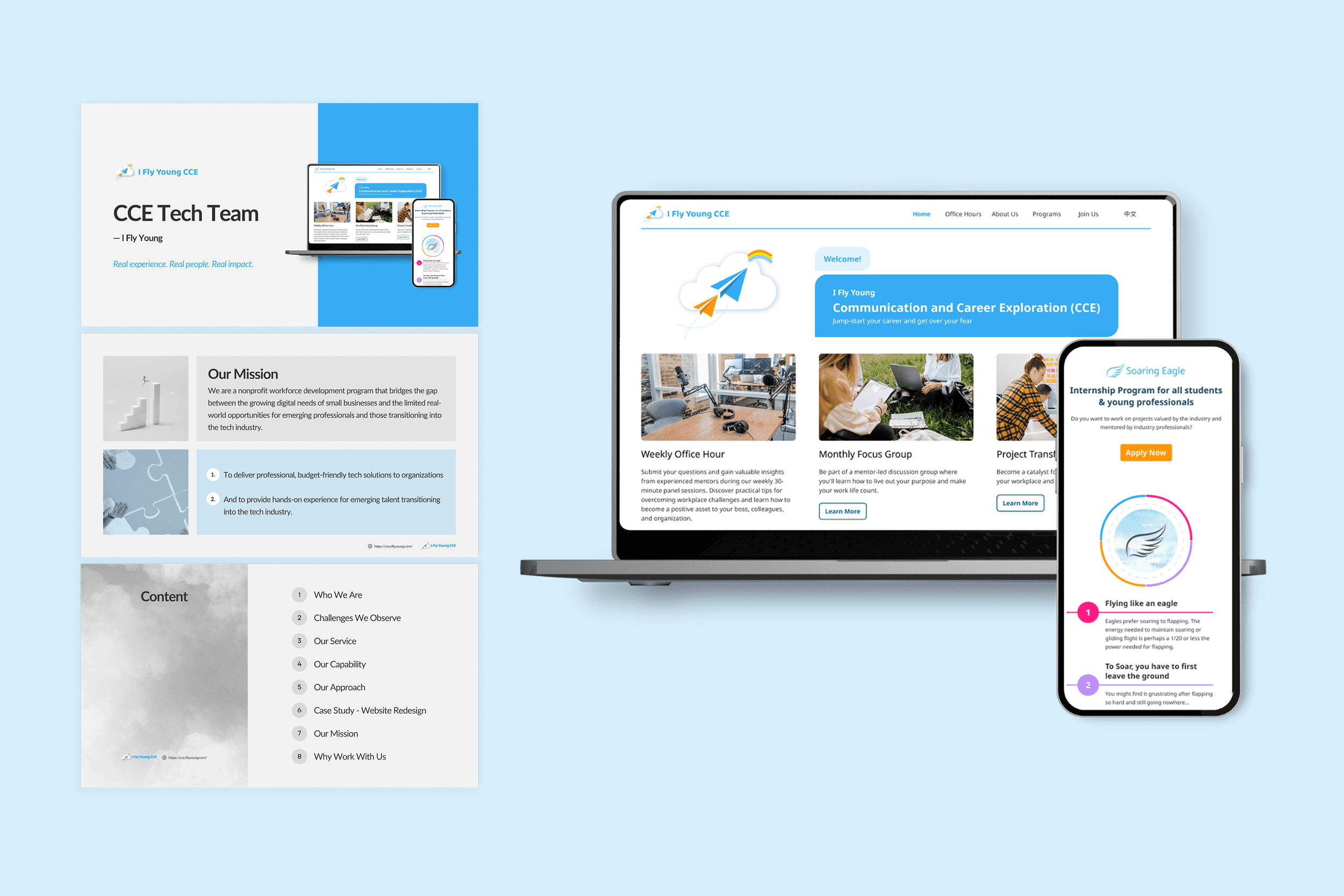
End-to-End Website Redesigns with Ownership
Led end-to-end website redesigns for client organizations, owning projects from discovery through MVP launch while coordinating design, development, and research to deliver on time and at quality.